External Schema Composition feature allows you to build and validate GraphQL Schema outside of
Hive. When enabled, Hive will send necessary information over HTTP to your endpoint and expect a
composition result in return.
To make this process easier, we’ve implemented the actual service that you need to deploy: either as
a JavaScript library, or as a Docker image that can be deployed anywhere.
How does it work?
Integration Guide
Deploy External Composition Service
You can use our one-click deployment to deploy your External Composition Service to Heroku:
We provide a prebuilt
Docker image
for running External Composition Service for Apollo Federation v2.
The pre-built image implements the best-practice to secure your endpoint, and uses the latest
version of Apollo Federation v2.
Start by deciding on your encryption secret. This is needed in order to ensure you endpoint is
secured and can be triggered only by Hive platform. Your secret can be any string you decide, and it
will be used as private key to hash the requests to your composition service.
To run the container, you can use the following command:
docker run -p 3069:3069 -e SECRET="MY_SECRET_HERE" \
  ghcr.io/graphql-hive/composition-federation-2
You should make this service publicly available, and then configure it in Hive platform.
You can also build your own JavaScript/NodeJS server for the composition endpoint. The following example shows how to
do that.
The following example shows how to implement an External Composition endpoint for Apollo Federation
v2 in NodeJS.
npm i -D @graphql-hive/external-composition
yarn add --dev @graphql-hive/external-composition
pnpm add -D @graphql-hive/external-composition
bun add --dev @graphql-hive/external-composition
Simple Fastify server for External Composition
import fastify from "fastify";import { parse, printSchema } from "graphql";import { composeServices } from "@apollo/composition";import { compose, signatureHeaderName, verifyRequest,} from "@graphql-hive/external-composition";const composeFederation = compose((services) => { const result = composeServices( services.map((service) => { return { typeDefs: parse(service.sdl), name: service.name, url: service.url, }; }), ); if (result.errors?.length) { return { type: "failure", result: { errors: result.errors.map((error) => ({ message: error.message, source: typeof error.extensions?.code === "string" ? "composition" : "graphql", })), }, }; } else { return { type: "success", result: { supergraph: result.supergraphSdl, sdl: printSchema(result.schema.toGraphQLJSSchema()), }, }; }});const server = fastify();server.route({ method: ["POST"], url: "/compose", handler(req, res) { const error = verifyRequest({ // Stringified body, or raw body if you have access to it body: JSON.stringify(req.body), // Pass here the signature from `X-Hive-Signature-256` header signature: req.headers[signatureHeaderName], // Pass here the secret you configured in Hive secret: YOUR_SECRET_HERE, }); if (error) { // Failed to verify the request - send 500 and the error message back res.status(500).send(error); } else { const result = composeFederation(req.body); // Send the result back (as JSON) res.send(JSON.stringify(result)); } },});await server.listen({ port: 3000,});
To make sure your server is only receiving requests from Hive, you can use the secret provided in
the configuration and verify the signature of the request.
Please contact us if you need to limit access by whitelisting an IP address.
The logic of verifying the signature is as follows:
Get the value of X-Hive-Signature-256 header.
Take the raw body of the request.
Use an HMAC hex digest (sha256) to compute the hash (body with the secret provided in the
configuration).
Compare the result with the value of the X-Hive-Signature-256 header (use “constant-time”
comparison).
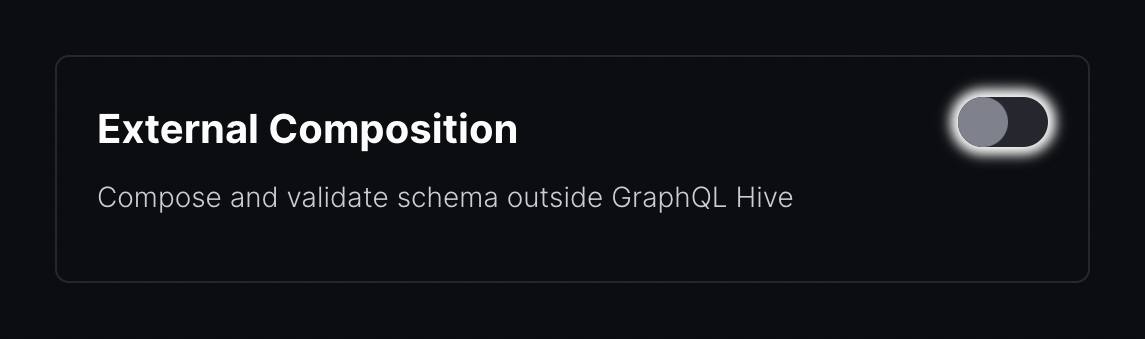
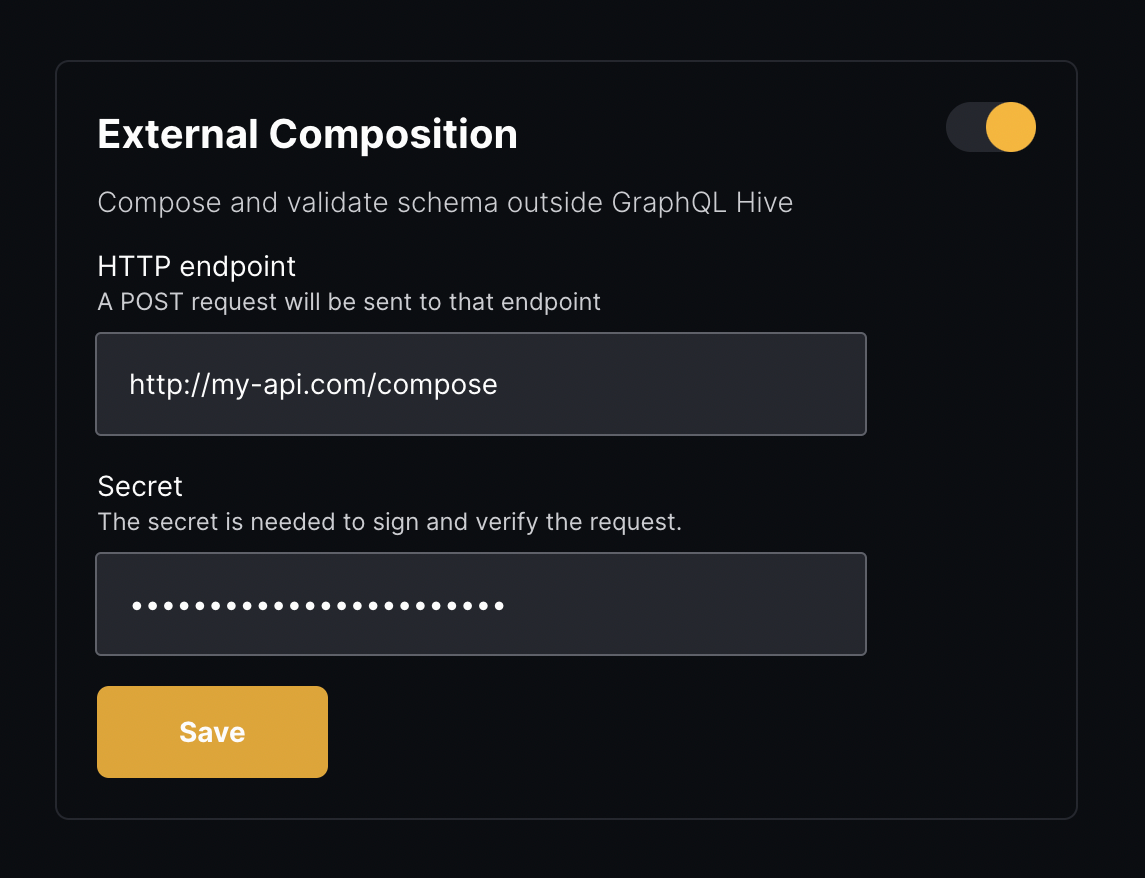
Start by enabling the External Composition for your project. To do that, go to your Hive project
page, and click the Settings tab. You’ll notice a “External Composition” section.
Next, provide the URL of your deployed endpoint, and also set the secret you set for your service.
Click Save.
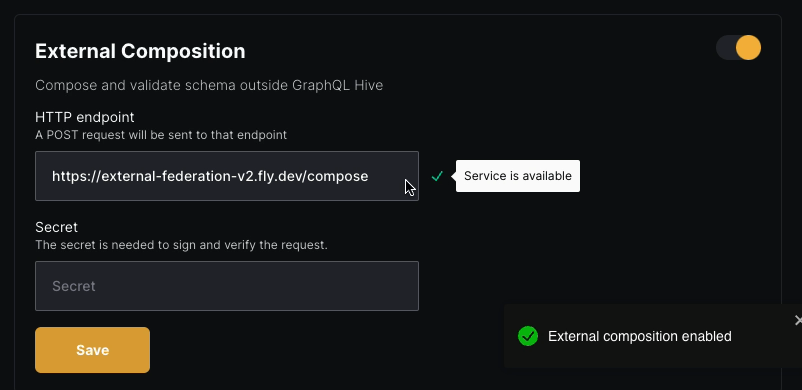
If your service is available publicly and the secret matches, you should see a green checkmark next
to the URL:
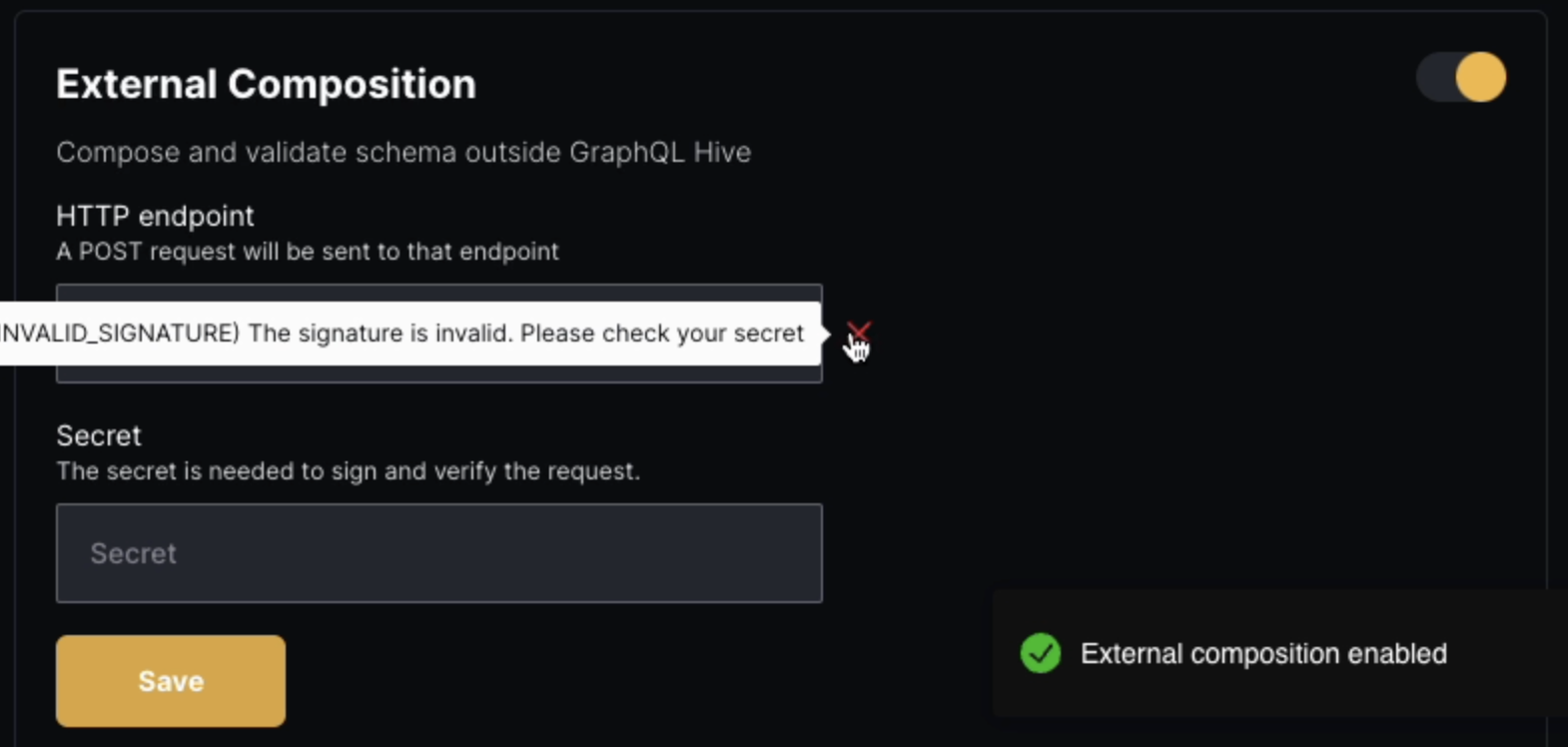
In case of a failure, you’ll see a red cross with the reason of the failure:
{ "type": "failure", "result": { "errors": [ { "message": "Type \"Query\" was defined more than once.", "source": "graphql" } ] }}
In the source you are expected to return graphql if the error is related to the schema itself,
or composition if the error is related to the composition process with other schemas.
This site uses cookies for analytics and improving your experience.